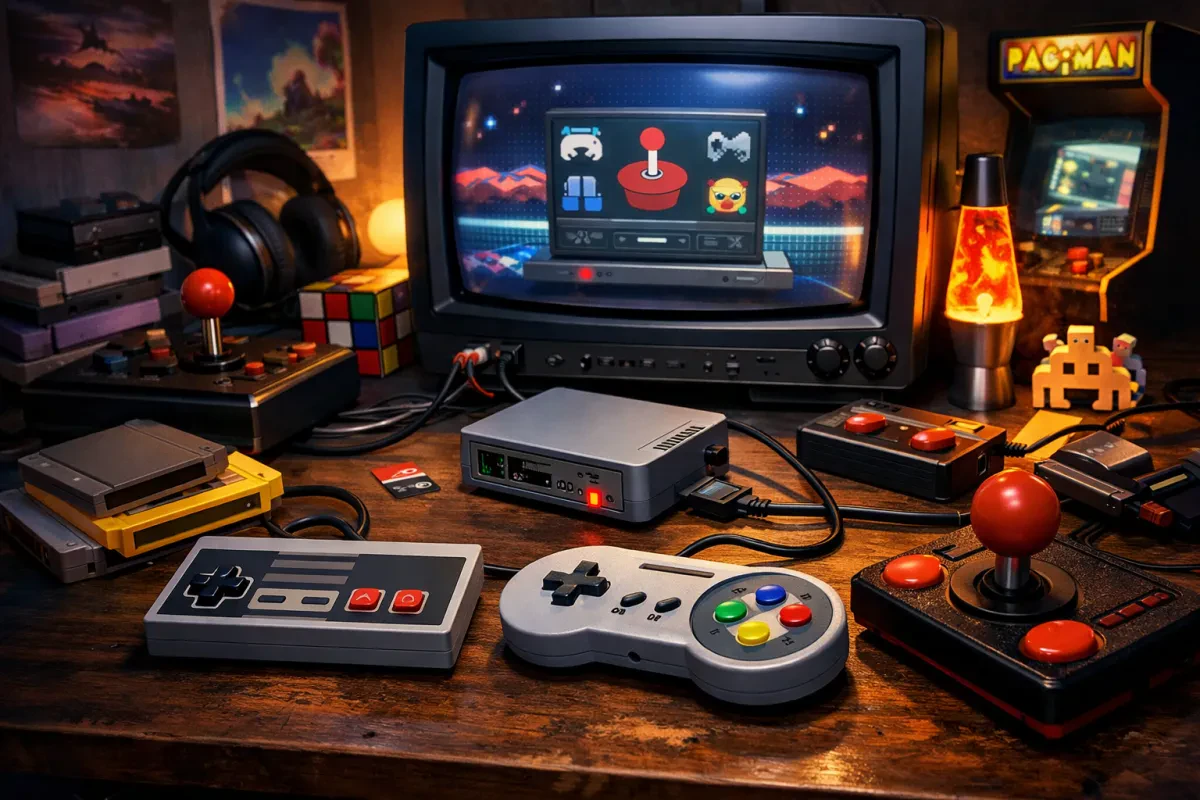
Retro gaming has made a massive comeback, and RetroPie is at the center of this revival. If you’re looking to turn a Raspberry Pi into a powerful retro gaming console, RetroPie is one of the best Linux-based solutions available.
In this guide, you’ll learn everything you need to know about RetroPie, including its features, installation steps, and why it’s a top choice for retro gaming enthusiasts.
What is RetroPie?
RetroPie is a Linux retro gaming distribution that allows you to emulate classic gaming systems on modern hardware. Built on top of Raspberry Pi OS, it combines multiple tools into a single platform for seamless retro gaming.
RetroPie integrates popular projects like:
- EmulationStation (frontend interface)
- RetroArch (emulation engine)
- Dozens of emulator cores
With RetroPie, you can play games from systems such as:
- NES and SNES
- Sega Genesis / Mega Drive
- PlayStation 1
- Nintendo 64
- Arcade machines
This makes it an all-in-one solution for retro gaming on Raspberry Pi.
Why Choose RetroPie for Retro Gaming?
All-in-One Retro Gaming Platform
RetroPie combines emulators, configuration tools, and a user-friendly interface into one package, making it easy to manage your retro games.
Optimized for Raspberry Pi
RetroPie is specifically designed to run efficiently on Raspberry Pi hardware, making it ideal for budget-friendly retro gaming setups.
Highly Customizable Experience
You can customize themes, shaders, controllers, and performance settings to create your ideal retro gaming environment.
Strong Community Support
RetroPie has a large and active community, with extensive documentation and forums to help troubleshoot and improve your setup.
Key Features of RetroPie
Multi-System Emulation Support
RetroPie supports a wide range of consoles and arcade systems, all accessible from a single interface.
Easy Controller Configuration
Supports USB and Bluetooth controllers with simple setup on first launch.
RetroArch Integration
RetroArch adds powerful features such as:
- Save states
- Load states
- Rewind gameplay
- Shader effects
- Netplay multiplayer
Clean User Interface
EmulationStation provides a polished and intuitive way to browse your game library.
Expandable System
Install additional emulators, ports, and tools directly from the RetroPie setup menu.
How to Install RetroPie on Raspberry Pi
Setting up RetroPie is straightforward and beginner-friendly.
Step 1: Download RetroPie
Download the official RetroPie image from the RetroPie website.
Step 2: Flash to microSD Card
Use tools like Raspberry Pi Imager or Balena Etcher to flash the image.
Step 3: Boot Your Raspberry Pi
Insert the SD card and power on your Raspberry Pi.
Step 4: Configure Controller
Follow the on-screen prompts to map your controller.
Step 5: Add ROMs
Transfer your game files into the appropriate ROM folders via USB or network.
Step 6: Restart EmulationStation
Reboot or restart the interface to display your games.
Best Raspberry Pi Models for RetroPie
For the best retro gaming performance, consider:
- Raspberry Pi 4 – Excellent for PS1, N64, and some Dreamcast
- Raspberry Pi 3 – Great for 8-bit and 16-bit systems
- Raspberry Pi Zero 2 – Compact but less powerful
Choosing the right model ensures smooth gameplay and better compatibility.
RetroPie vs Other Retro Gaming Distributions
RetroPie competes with several alternatives:
- Recalbox – Easier setup, less customization
- Batocera – More plug-and-play experience
- Lakka – Lightweight and RetroArch-focused
RetroPie stands out due to its flexibility, customization options, and extensive support.
Is RetroPie Legal?
RetroPie itself is completely legal and open source. However, downloading copyrighted ROMs without owning the original games may violate copyright laws.
To stay legal:
- Use ROMs you legally own
- Dump games from cartridges/discs you possess
- Use homebrew or public domain games
Tips for the Best RetroPie Experience
- Use a high-quality power supply
- Add a heatsink or fan for better performance
- Use a fast microSD card (Class 10 or better)
- Organize ROMs properly for easy navigation
- Install themes to enhance the UI
Conclusion: Why RetroPie is the Best Retro Gaming OS
RetroPie remains one of the best Linux retro gaming distributions thanks to its balance of power, flexibility, and ease of use. Whether you're building a DIY arcade machine or just reliving childhood classics, RetroPie delivers an authentic retro gaming experience.