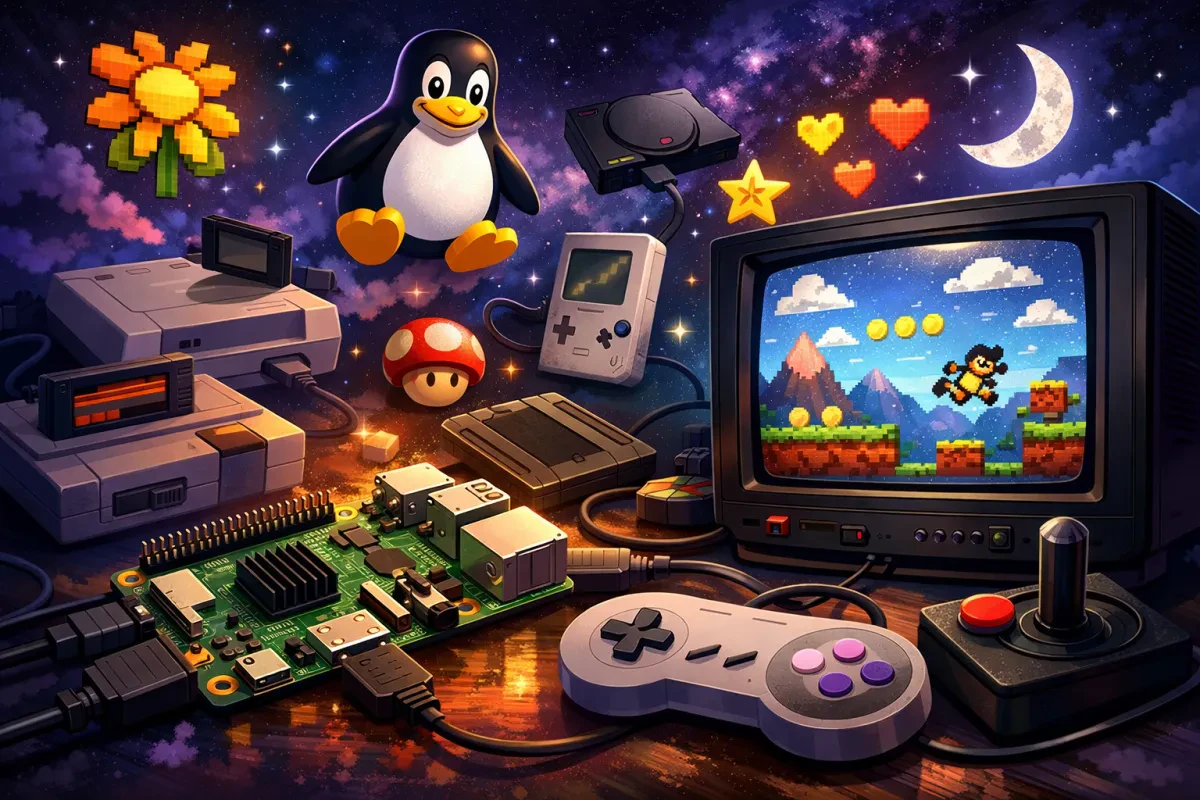
If you’re looking for the best Linux retro gaming distribution, Lakka is one of the most powerful and user-friendly options available. Built specifically for emulation, Lakka transforms your PC, Raspberry Pi, or mini device into a dedicated retro gaming console.
In this guide, you’ll learn everything you need to know about Lakka, including its features, benefits, supported systems, and why it’s a top choice for retro gamers.
What Is Lakka Linux?
Lakka is a lightweight Linux distribution for retro gaming that is designed to run RetroArch, a popular frontend for emulators. It provides a console-like experience with a simple interface and powerful backend.
Unlike general-purpose Linux systems, Lakka is optimized purely for gaming performance and ease of use.
Key Features:
- Free and open-source
- Built on a minimal Linux base
- Uses RetroArch and libretro cores
- Console-style interface
Why Choose Lakka for Retro Gaming?
Simple Plug-and-Play Setup
Lakka is incredibly easy to install and use. You can:
- Install it on a USB stick or SD card
- Boot directly into a gaming interface
- Start playing within minutes
There’s no need for complex Linux configuration, making it ideal for beginners.
Lightweight and High Performance
Because Lakka is minimal, it uses very few system resources. This allows:
- Smooth gameplay on older hardware
- Faster boot times
- Better emulator performance
It’s perfect for turning old PCs into retro gaming machines.
Powered by RetroArch
Lakka uses RetroArch as its main interface, which provides:
- Unified emulator management
- Save states and rewind
- Shader effects (CRT filters, etc.)
- Netplay for online multiplayer
This creates a seamless and consistent gaming experience across all platforms.
Supported Consoles and Systems
Lakka supports a wide range of retro systems via libretro cores, including:
- NES, SNES, Game Boy
- Sega Genesis / Mega Drive
- PlayStation
- Arcade systems (MAME)
This makes it a complete retro emulation platform for classic gaming fans.
Supported Hardware
One of Lakka’s biggest strengths is its flexibility. It works on:
- Raspberry Pi (all major models)
- Desktop PCs (x86 and x64)
- ARM devices (Odroid, etc.)
- Small form-factor PCs
This allows you to build anything from a DIY retro console to a full arcade cabinet.
Lakka vs Other Retro Gaming OS Options
When comparing Lakka to other retro gaming distributions:
Lakka
- Clean RetroArch interface
- Fast and lightweight
- Minimal setup
RetroPie
- More customizable
- Uses EmulationStation frontend
Batocera
- Feature-rich and polished
- Slightly heavier system
Summary:
Lakka is best for users who want a simple, fast, and streamlined retro gaming experience.
How to Install Lakka
Getting started with Lakka is quick and easy:
Step-by-Step Installation:
- Download Lakka from the official website
- Flash the image to a USB drive or SD card
- Insert into your device and boot
- Add your ROMs via network or storage
- Launch games from the interface
Within minutes, you’ll have a fully working retro gaming console.
Key Features That Make Lakka Stand Out
Advanced Gaming Features
- Save states
- Rewind gameplay
- Netplay multiplayer
- Custom shaders
Controller Support
- Xbox controllers
- PlayStation controllers
- USB gamepads
Stable System Design
- Read-only filesystem
- Reliable updates
- Low risk of system corruption
Who Should Use Lakka?
Ideal For:
- Beginners in retro gaming
- Raspberry Pi enthusiasts
- DIY arcade builders
- Anyone reviving old hardware
Not Ideal For:
- Users needing a full desktop OS
- Advanced Linux customization
Final Thoughts on Lakka Linux
Lakka is one of the best retro gaming Linux distributions available today. Its combination of simplicity, performance, and powerful emulation tools makes it a top choice for gamers in 2026.
Whether you’re building a home console, a portable gaming device, or an arcade machine, Lakka delivers a smooth and enjoyable retro gaming experience.